


Question Categories are used to group questions in a survey template and project together. Think of the Question Categories as being the Survey Objective areas. Question Categories are not visible to survey participants.
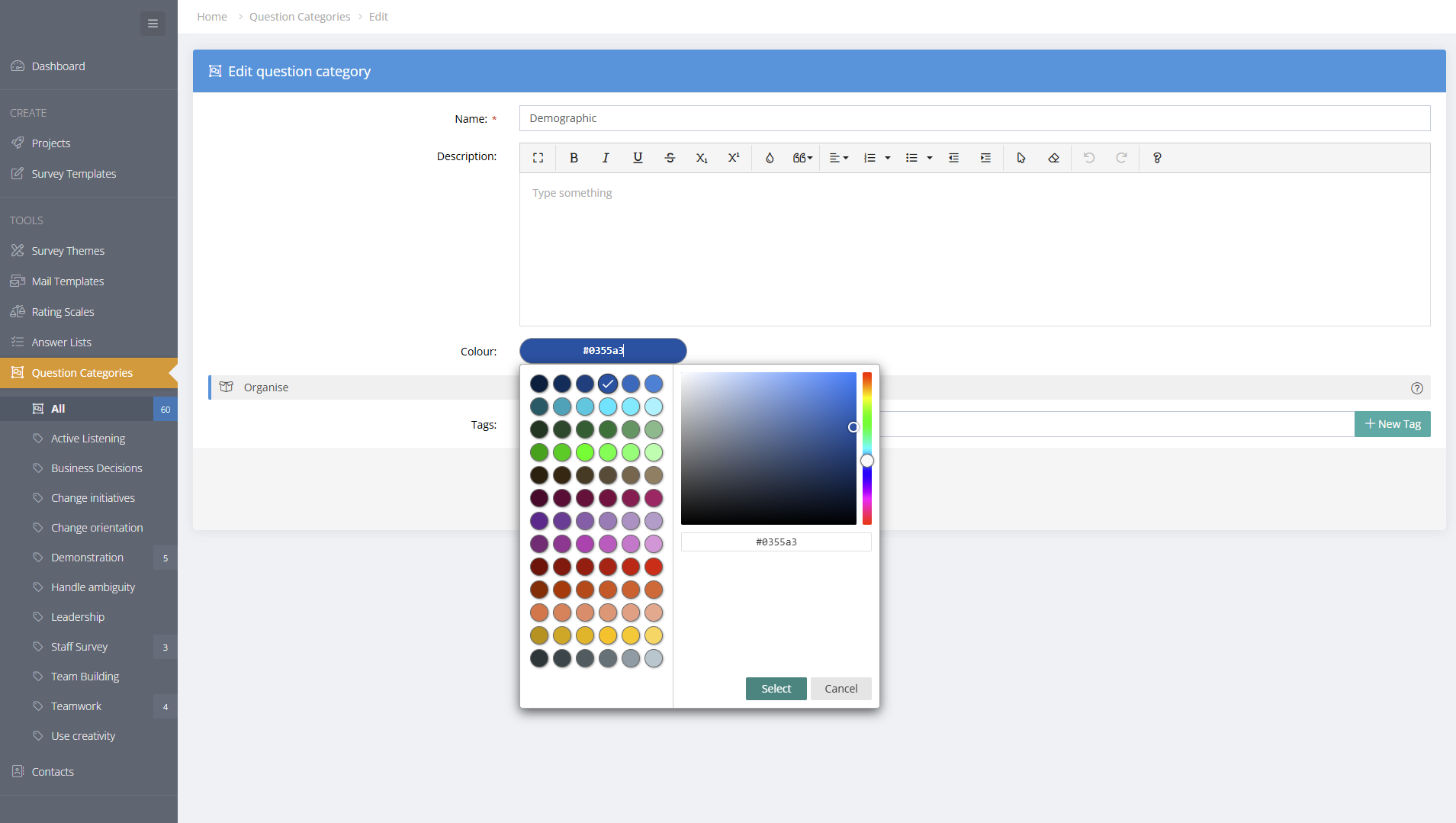
Question Categories can be useful when designing surveys and for reporting. As an example, obtaining demographic information is a likely objective. So, a category called "Demographic" could be created and then assigned to individual questions.
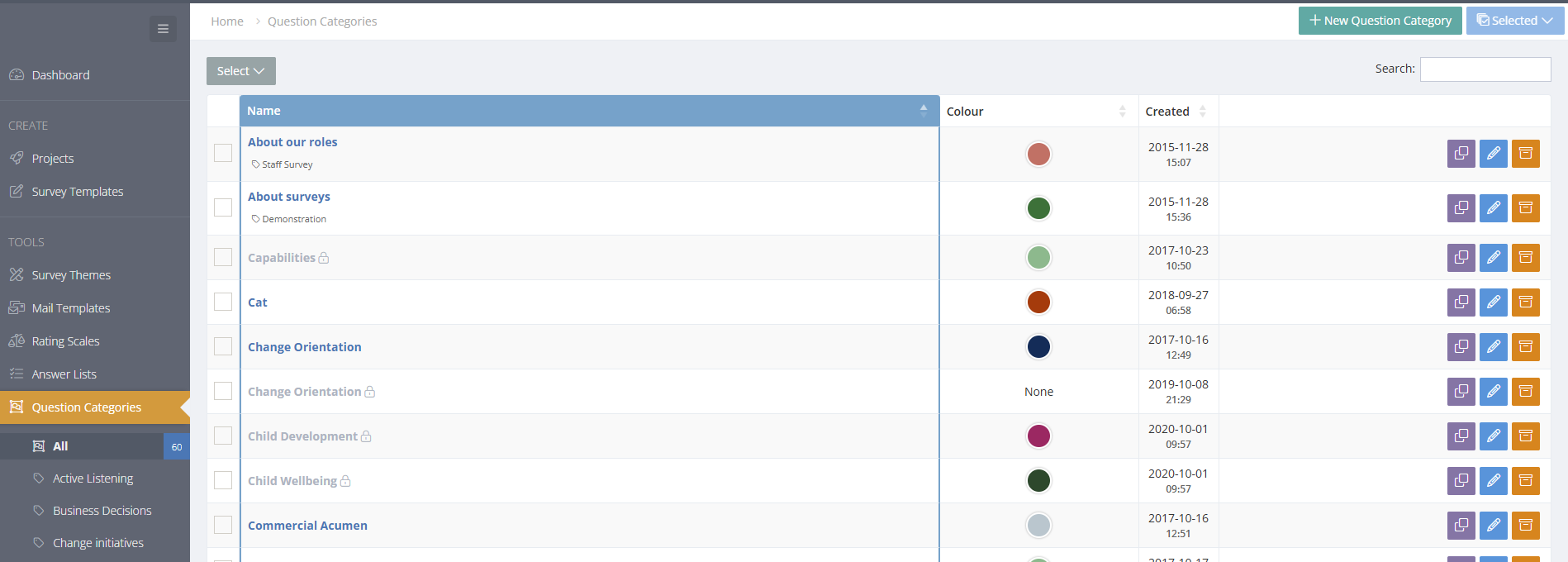
The Question Categories Menu
Add or Edit a Question Category
A survey question may have more than one Question Catregory attached to it.
- To create a new Question Category, go the TOOLS/Question Categories menu and click on the "+ New Question Category" button at the top of the page.
- Categories can be colour coded to make planning and reporting easier.
- To edit a Question Category, click on the edit button. Editing a category that is being used in a survey template will change the theme in that survey template. However, the Category will not be changed in any launched projects.
Using Question Categories in surveys
When a project is launched, a copy of the entire survey template, including the Question Category is made. After a project is launched, editing or deleting the Question Categories does not change the Question Category in the project.
Archive, Restore or Delete Question Themes
Projects, Survey Templates and Tools (Mail Templates, Rating Scales, Answer Lists, Themes, Question Categories) can be archived by selecting the Archive icon along side the project. Archived items can also be restored or deleted permanently. Archived items will show in a Tag called "Archived" in the left hand menu.