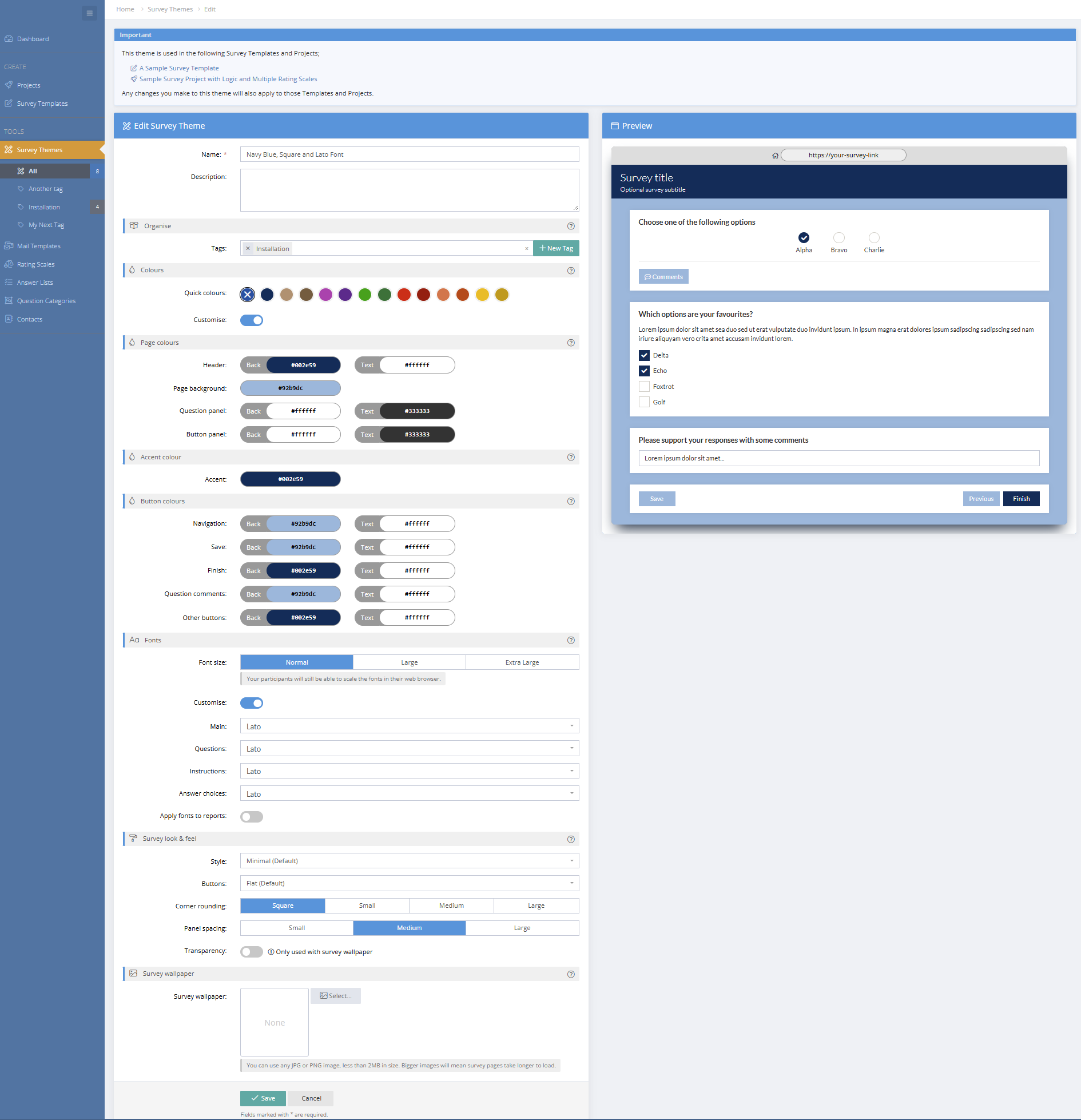


A Survey Theme is a set of colours, fonts and styling settings than can be created, ready to be applied to a survey theme or project. Survey Themes can be customised and applied across any surveys, making it much faster to maintain a consistent look and feel across projects. They also provide a way to preview the survey look and feel when designing and building survey templates and projects.
Whether you want a quick polished result or deeper control over every detail, there's now more flexibility than ever before. Choose from a set of ready-made colour presets, or go further and customise fonts, default font sizes, panel styles, button styles, and wallpaper image effects.
The biggest change is the ability to build and reuse survey themes across multiple projects. Instead of tweaking each survey individually, you can create a theme once and apply it wherever you need it. If you update a theme, any survey using it will automatically reflect the new design. You can also start from an existing theme and make project-specific tweaks without affecting the original.
When you copy a project, its theme settings are also copied, making it easier to maintain consistent branding across recurring or similar surveys. If you or other users in your account had previously configured default survey styling, those defaults have now been converted into survey themes, each labelled with the user's name for easy access.
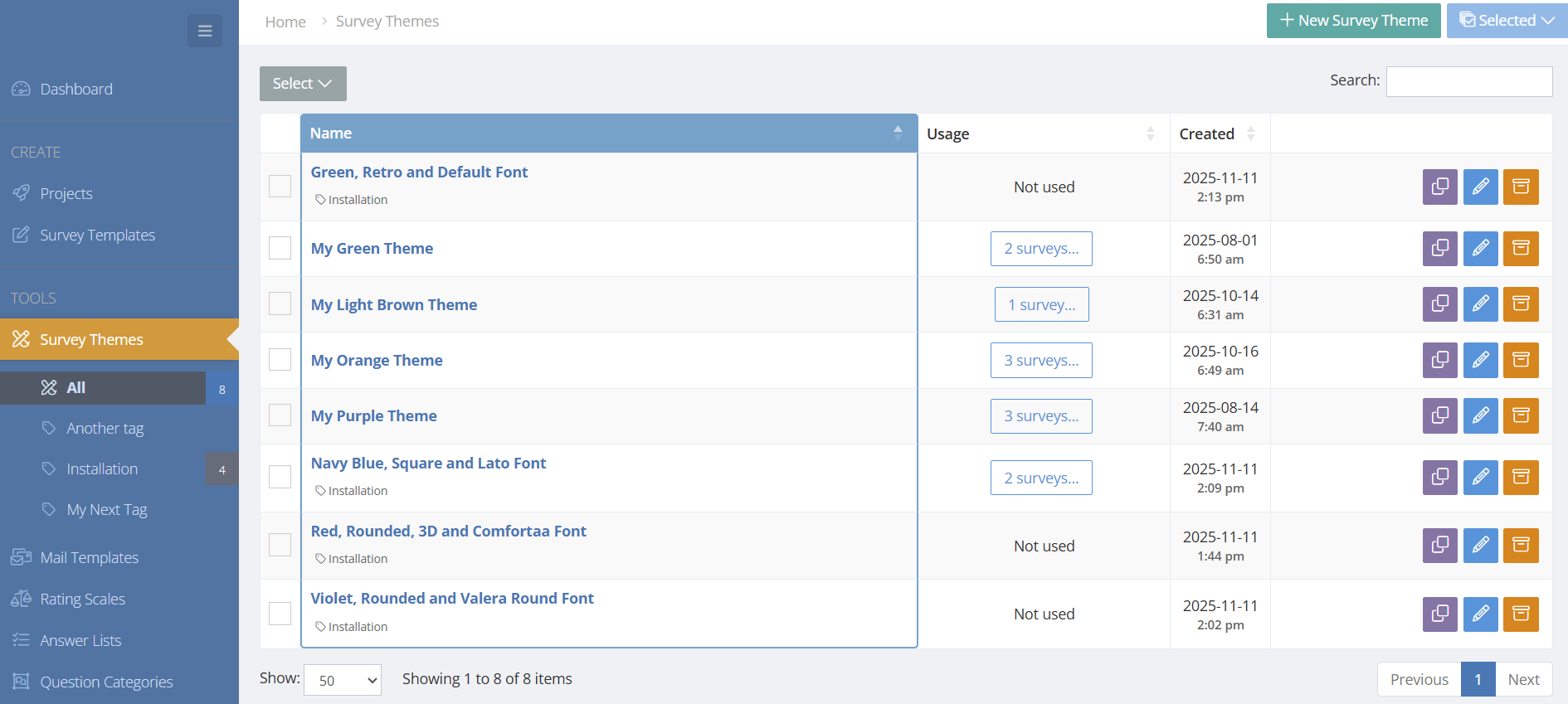
You'll find everything in the left sidebar under Survey Themes. Once you've created your themes, just head to your project and select Customise > Theme to apply them.
Survey Themes Menu
Add / Edit Survey Theme